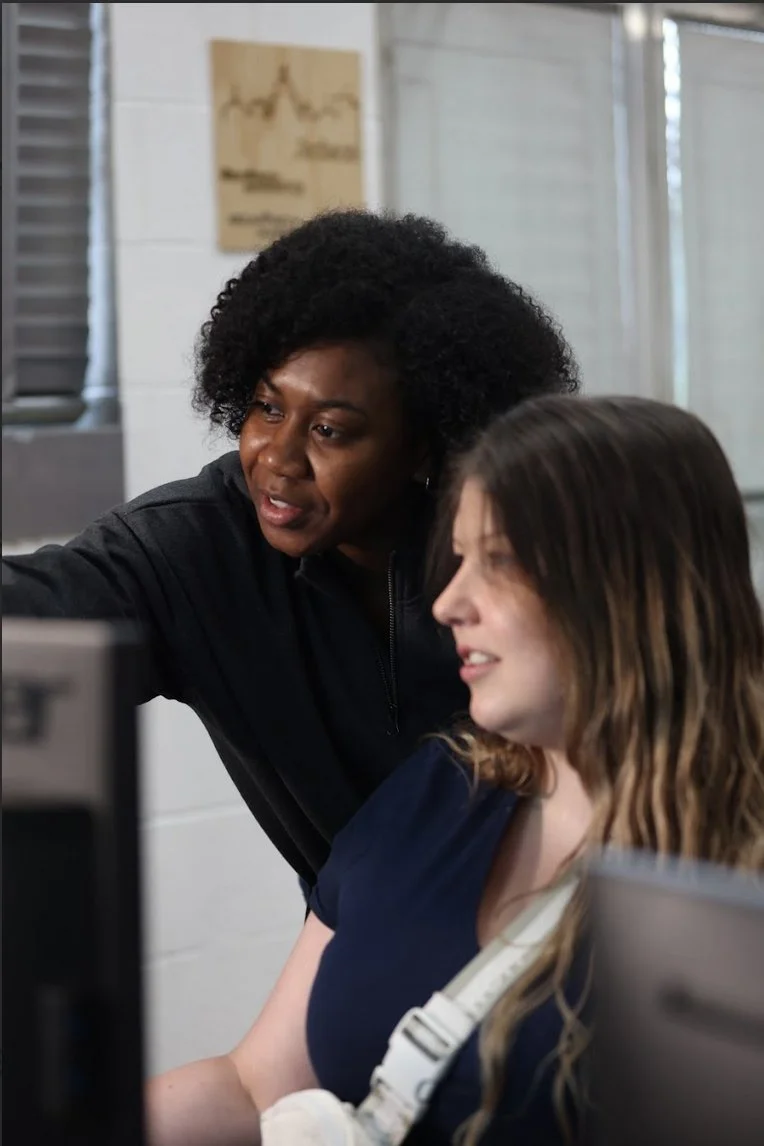
Research-informed guidance built for use with other people
Prompt guide · Ready-to-adapt prompts + test lab
Prompts for K–12 Teaching
Start from a learning goal, protect student information, and keep educator judgment at the center of lesson and family communication tasks.
Educators
Start with the work
A prompt is a draft tool—not the decision maker.
Choose one real task, replace the brackets with safe context, test the result against a clear standard, and keep the person doing the work responsible for every claim and final choice.
EditionEdition 1.0
Last reviewedOctober 27, 2026
Review bodyMississippi AI Collaborative
Board leadKrystal Chatman
Next reviewApril 2027, or sooner after a material source change
Start with the real task, not a magic phrase. A prompt can clarify the work, but local knowledge and human judgment still determine whether the result is useful for K–12 education.
What you will leave with
Four ready-to-adapt K–12 education prompt patterns, a safe-input routine, a verification plan, and a clear decision about when a person or non-AI approach is better.
Start here
Ask these five questions first.
01
What specific task and audience should the output serve?
02
What information is genuinely necessary—and what must stay out?
03
What source, standard, or expert will be used to check the answer?
04
What decision must remain with a qualified person?
05
What would make a non-AI approach safer, faster, or more appropriate?
Evidence behind this guide
Why context, safe inputs, and human review matter more than clever wording.
The source guidance emphasizes protected information, lived and professional context, verification, accountability, and the limits of generated content.
01 · Mississippi guidance2024
Artificial Intelligence: Guidance for K–12 Classrooms
Mississippi Department of Education
What we learned
MDE connects classroom AI with instructional purpose, policy, educator judgment, and student safeguards.
How it shaped this resource
It shapes the learning-goal, approved-tool, educator-review, and family-communication patterns.
Sources and requirements can change. Check the publication date, read the original material, and confirm the rules that apply locally before making a consequential decision.
Understand the choices
Build the prompt around your people, purpose, and context.
Use the task, audience, local conditions, constraints, output format, and review test that fit the work. The same prompt should not be copied into every classroom, business, campus, or community.
01
Start with the work
State the real purpose: advance a clear learning goal, help an educator prepare, or let students practice critique and responsible creation. Name the audience, desired outcome, and how the result will be used before writing instructions.
02
Protect the input
Do not enter student names, records, disability or behavior information, identifiable work, family information, credentials, or confidential school material. Use fictional, public, aggregated, or properly approved information instead.
03
Request visible limits
Ask the system to separate facts from suggestions, identify uncertainty, avoid invented sources, and state what information it would need to improve the answer.
04
Review outside the tool
Check important facts in original sources, apply professional and community knowledge, revise for accessibility and context, and keep a person accountable for use.
Make a plan
Take these 5 steps.
0 of 5 completeSaved on this device
Good places to begin
Use AI to support the work.
✓ Creating a first draft from public or fictional information
✓ Generating questions, alternatives, or structures for a person to evaluate
✓ Reformatting text after accuracy, context, and accessibility review
Stop and reconsider
Do not hand over the judgment.
× Uploading private, confidential, protected, or proprietary information
× Requesting a final consequential decision or professional judgment
× Publishing an answer, citation, statistic, translation, or claim without verification
Use the tools
Choose one K–12 education task. Adapt it. Test it. Make it yours.
Replace brackets with safe, relevant context. Each template states what the person using it must still know, check, change, and own.
Prompt template
Lesson idea—not a lesson decision
Generate options an educator can align and revise.
1. Task: Suggest three ways students could practice [learning objective] without replacing the core reading, writing, calculation, or reasoning.
2. Context I can safely provide: Grade band, approved source material, time, available materials, and accessibility needs stated without student information.
3. Output: For each option: student action, educator role, evidence of learning, likely misconception, and non-AI alternative.
4. Boundaries: Do not invent facts, quotations, statistics, people, policies, citations, or sources. Mark uncertainty and ask for missing information.
5. Human review: The educator checks standards, content accuracy, age fit, accessibility, and local policy.
Prompt template
Source-checking activity
Turn an AI answer into a critical-literacy exercise.
1. Task: Create a short, clearly labeled sample answer about [topic] that includes claims students can verify.
2. Context I can safely provide: Only the supplied approved sources and grade-appropriate vocabulary.
3. Output: A sample, claim-check table, answer key tied to source locations, and discussion questions.
4. Boundaries: Do not invent facts, quotations, statistics, people, policies, citations, or sources. Mark uncertainty and ask for missing information.
5. Human review: The educator verifies every claim and source before students see it.
Prompt template
Accessible explanation options
Create multiple explanations without profiling a learner.
1. Task: Draft three explanations of [concept] using different representations.
2. Context I can safely provide: Grade band, learning objective, allowed vocabulary, and general accessibility needs—not an individual student profile.
3. Output: Plain-language, worked-example, and analogy versions plus limits of each.
4. Boundaries: Do not invent facts, quotations, statistics, people, policies, citations, or sources. Mark uncertainty and ask for missing information.
5. Human review: The educator selects and adapts based on actual learner response.
Prompt template
Family communication draft
Explain a classroom use plainly and respectfully.
1. Task: Draft a family notice for [AI-supported activity].
2. Context I can safely provide: Learning purpose, whether accounts are required, information used, alternatives, educator review, and contact route.
3. Output: A one-page notice with headings, plain language, and translation-review note.
4. Boundaries: Do not invent facts, quotations, statistics, people, policies, citations, or sources. Mark uncertainty and ask for missing information.
5. Human review: School staff confirm policy, privacy, accessibility, and translation accuracy.
Practice together30 minutes
Prompt Test Lab
Test one K–12 education prompt against a real quality standard without using sensitive information.
1
Choose a low-stakes task and record what a good result must contain.
2
Adapt one prompt template using fictional or public context.
3
Run it once and mark accurate, useful, missing, unsupported, biased, or unclear parts.
4
Change one instruction and test again against the same standard.
5
Verify important claims outside the tool and decide whether AI added enough value to keep using.
Talk about it
Which improvement came from clearer instructions, and which still required human knowledge, source-checking, or a different tool?
Before you act
Share the plan with the people responsible for the work and the people who may be affected. Confirm local rules, protect private information, and name the person who can answer questions or correct a problem.